


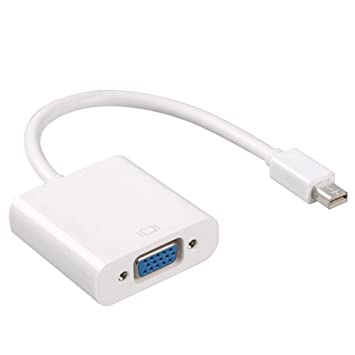


Description
Overview
Every Mac with a Mini DisplayPort allows you to connect an external display or projector using an adapter. You can use an external display as your main workspace or to extend your desktop, or you can work in mirrored mode with a projector so you can view what your audience sees.
Use the Mini DisplayPort to VGA Adapter to connect your Mac to a standard analog monitor, projector, or LCD that uses a VGA connector or cable. Review the documentation or check with the manufacturer of your monitor to make sure you’re choosing the right adapter.
Tech Specs
Connections
Mini DisplayPort
VGA
System Requirements
Compatible with Mac computers with Mini DisplayPort and Thunderbolt ports


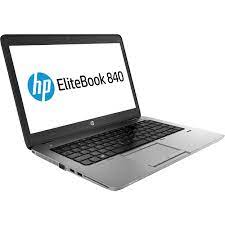 HP EliteBook 840 G1 4TH GEN Core i5
 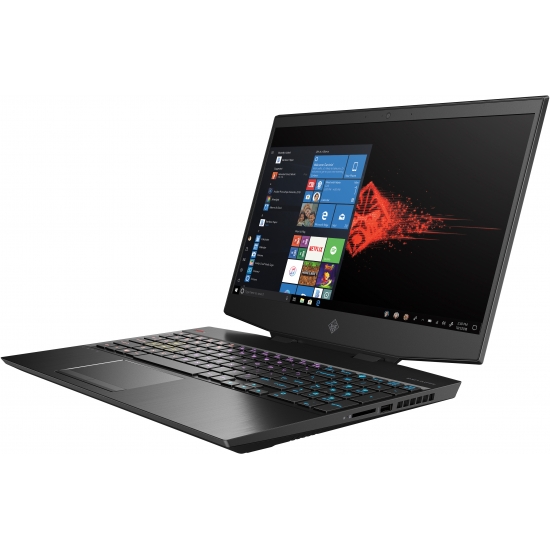 OMEN by HP 15-dh0009tx, 9th Gen Intel Core i7-9750H, 8GB NVIDIA GeForce RTX 2080 Max-Q, 16 GB RAM, 512 GB SSD, 1 TB SATA HDD, 1 Year Warranty
 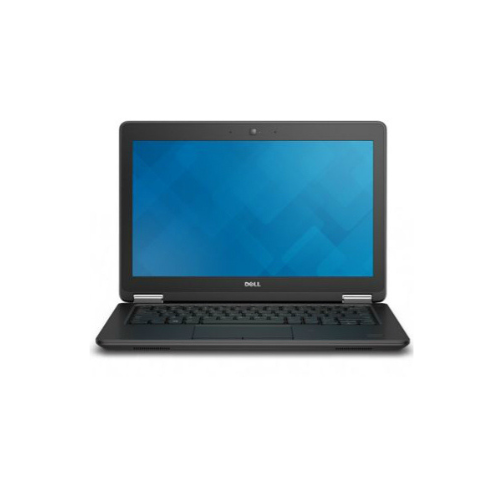 DELL Latitude E7270 i5-6600U Notebook (12.5")
 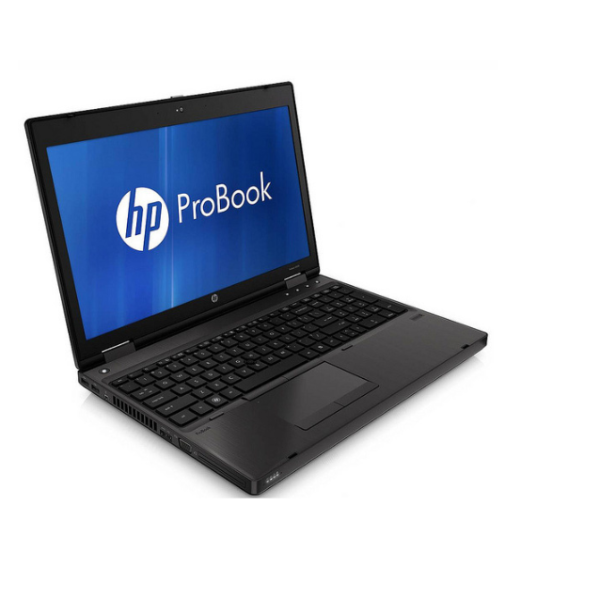 HP ProBook 6560b intel (15.6") Intel® Core™ i5
  Epson LX-350 Impact dot matrix Printer
  HP Pavilion Convertible x360 14-ba1xx Intel® Core™ i5-8250U Hybrid (2-in-1) 14" Touchscreen Full HD 8 GB DDR4-SDRAM 256 GB SSD Windows 11 Pro Silver:
  HP Spectre x360 13-ae0xx Intel® Core™ i7 i7-8550U Hybrid (2-in-1) 13.3" Touchscreen FHD 8 GB LPDDR3-SDRAM 256 GB SSD Wi-Fi 5 (802.11ac) Windows 10 Pro Silver:
  HP EliteBook 850 G3 Intel Core i7 8GB Ram 256GB SSD 6th Generation 15.6"
 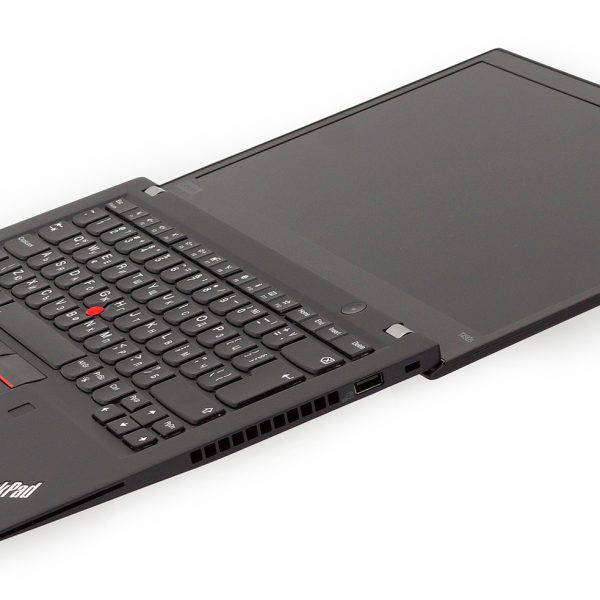 Lenovo ThinkPad T490s, 8th Gen Intel Core i5-8265U Processor, 16GB RAM, 512GB PCIe NVMe SSD, 14" FHD (1920x1080) IPS Display, Windows 10 Pro, 3 Years Warranty
  HP ENVY x360 15m-ds0xxx AMD Ryzen™ 5 3500U Hybrid (2-in-1) 15.6" Touchscreen 8 GB DDR4-SDRAM 256 GB SSD Radeon Vega Graphics Windows 11 Pro Black :
Reviews
There are no reviews yet.