




Description
Overview
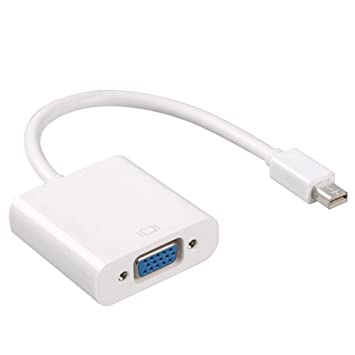
Every Mac with a Mini DisplayPort allows you to connect an external display or projector using an adapter. You can use an external display as your main workspace or to extend your desktop, or you can work in mirrored mode with a projector so you can view what your audience sees.
Use the Mini DisplayPort to VGA Adapter to connect your Mac to a standard analog monitor, projector, or LCD that uses a VGA connector or cable. Review the documentation or check with the manufacturer of your monitor to make sure you’re choosing the right adapter.
Tech Specs
Connections
Mini DisplayPort
VGA
System Requirements
Compatible with Mac computers with Mini DisplayPort and Thunderbolt ports



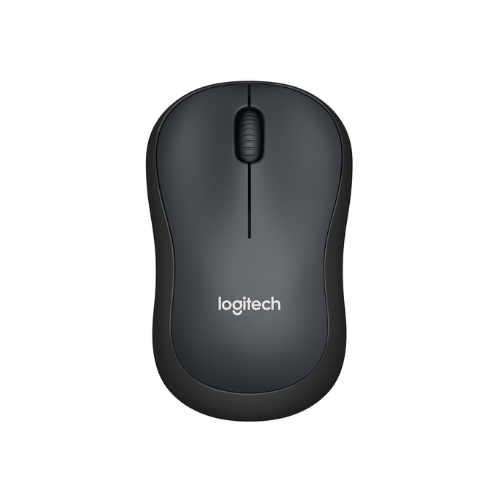 Logitech M221 SILENT WIRELESS MOUSE-CHARCOAL
  Logitech WIRELESS MOUSE M235
 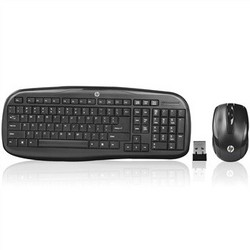 HP Wireless Keyboard and Mouse Combo VK429PA#AB2 Black Whale 2 (Second Generation)
 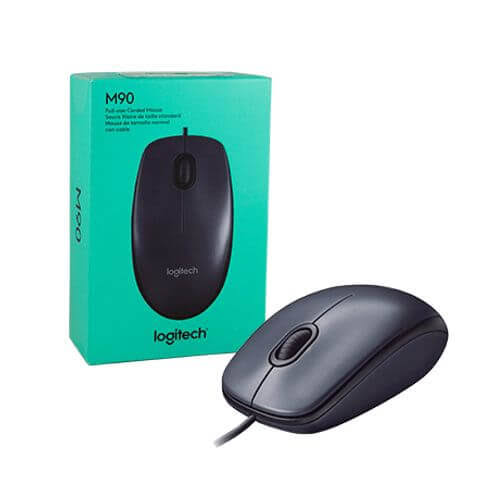 Logitech M90 Optical Mouse
 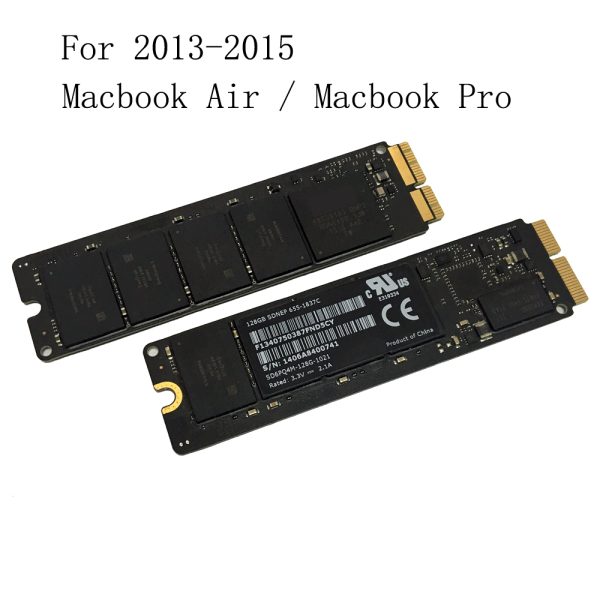 128GB SSD For 2013 2014 2015 Apple Macbook Pro Retina A1502 A1398 Macbook Air A1465 A1466 SSD Solid State Drive
 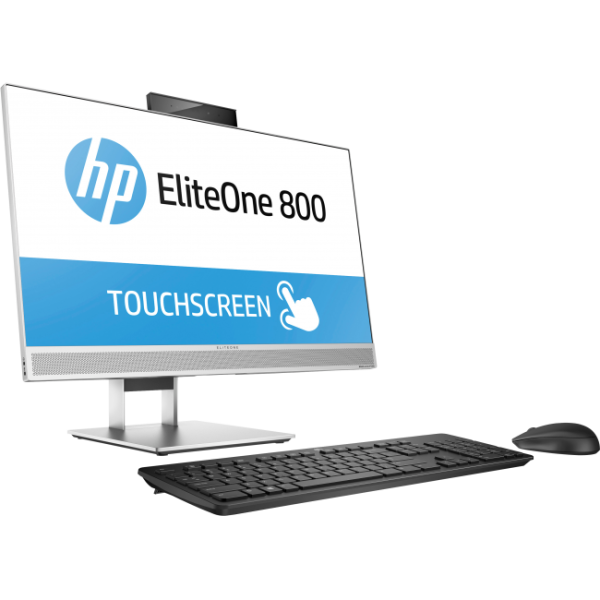 HP EliteOne 800 G3 All-In-One PC, Intel Core i5-7500 3.4GHz, 8GB RAM, 1 TB HDD, 1920 x 1080 FHD 23.8-inch touchscreen, 1 Year Warranty
 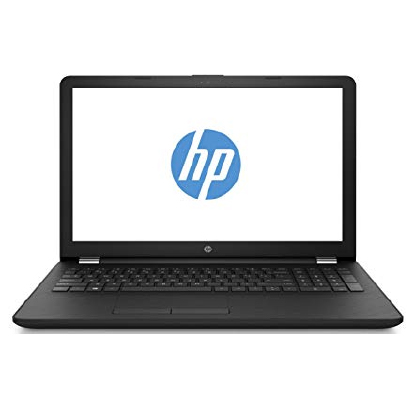 HP 15-ra008nia-15.6"-Intel Celeron N3060, 4GB RAM, 500GB HDD,,Free DOS
 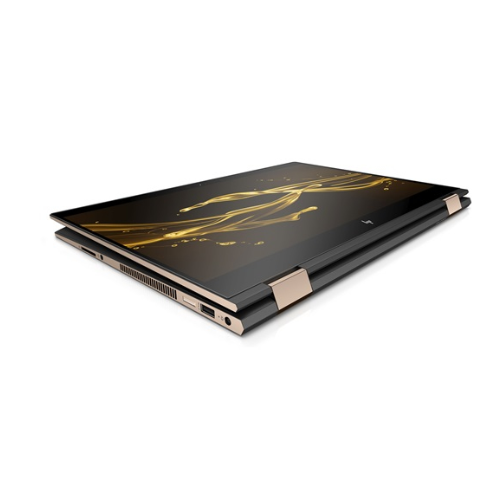 HP Spectre x360 - 14 11th Gen Core i7-1165G7 16GB RAM 1TB SSD, 13.3" diagonal 4K IPS
 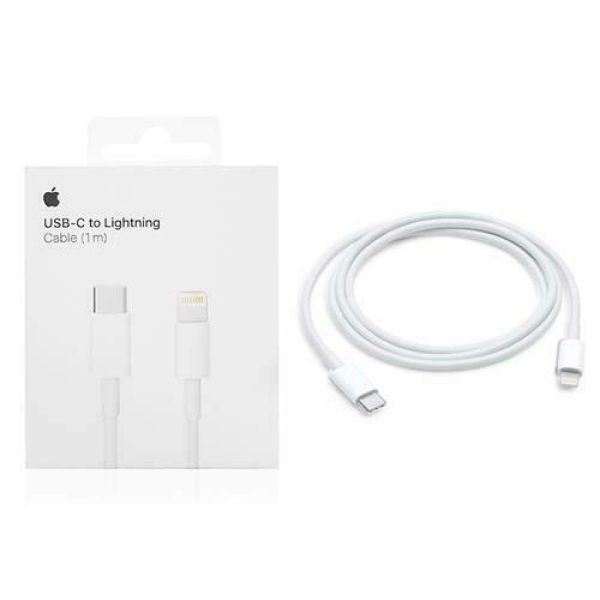 Apple USB-C to Lightning Cable (1 m)
Reviews
There are no reviews yet.