


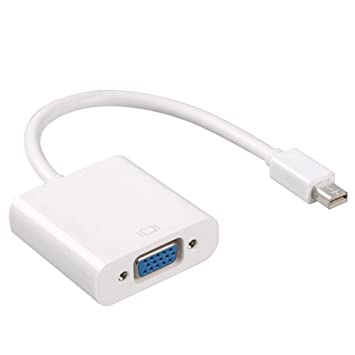


Description
Overview
Every Mac with a Mini DisplayPort allows you to connect an external display or projector using an adapter. You can use an external display as your main workspace or to extend your desktop, or you can work in mirrored mode with a projector so you can view what your audience sees.
Use the Mini DisplayPort to VGA Adapter to connect your Mac to a standard analog monitor, projector, or LCD that uses a VGA connector or cable. Review the documentation or check with the manufacturer of your monitor to make sure you’re choosing the right adapter.
Tech Specs
Connections
Mini DisplayPort
VGA
System Requirements
Compatible with Mac computers with Mini DisplayPort and Thunderbolt ports


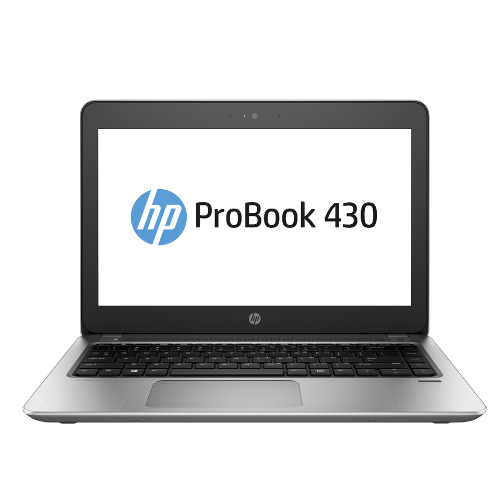 HP ProBook 430 G4 Laptop 33.8 cm (13.3") HD Intel® Core™ i5 -7200U 8GB DDR4-SDRAM 256GB SSD Windows 11 Pro Silver:
 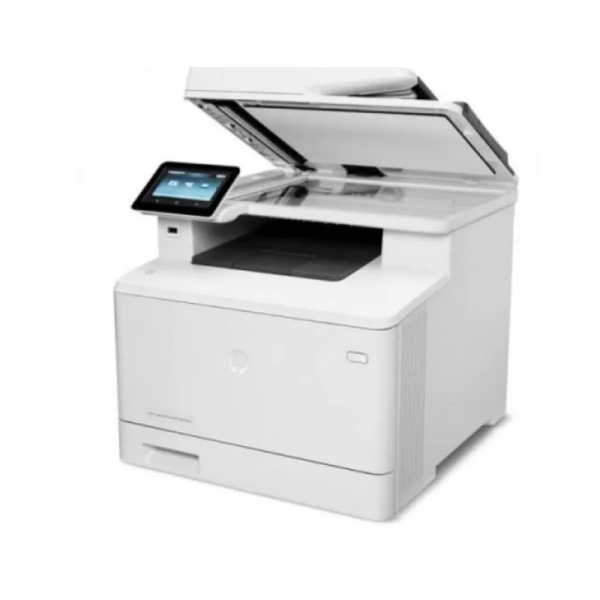 HP LaserJet Pro M479fdn Multifunction Printer Duplex - Color Printer
  HP Color LaserJet Pro MFP M283fdw High Performance Multifunction Printer
  HP LaserJet Pro M479fdw Multifunction Duplex Wireless - Color
 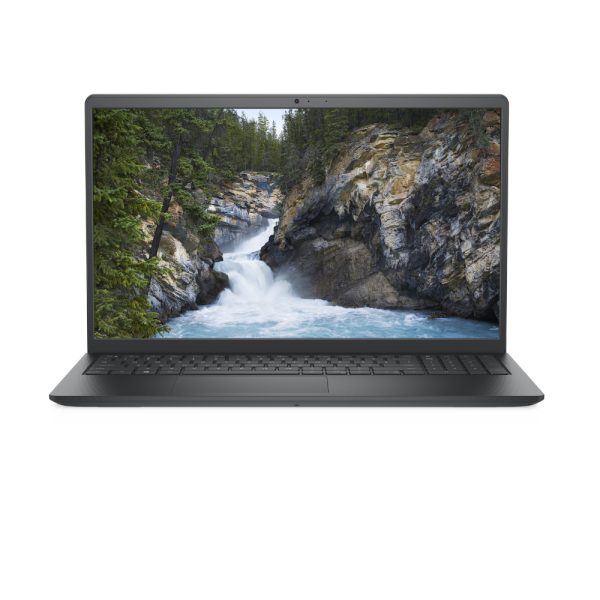 DELL Vostro 3510 Intel® Core™ i5-1035G1 (10th Generation) Notebook 39.6 cm (15.6″) HD 4GB DDR4-SDRAM 1TB HDD Black
 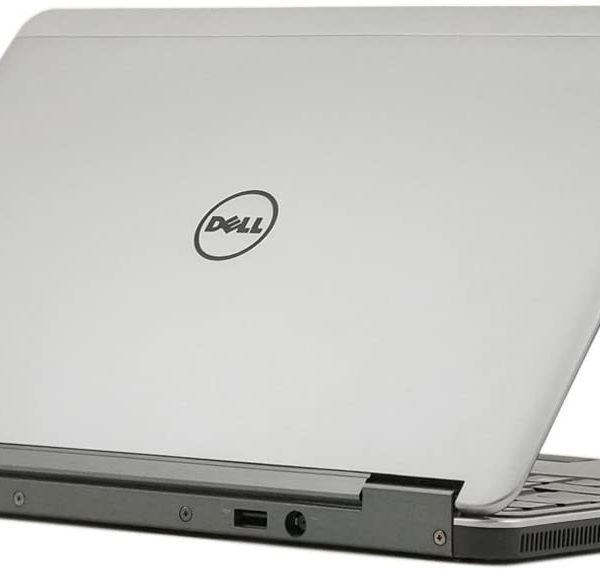 Latitude E7240 12.5" LED Ultrabook - Intel Core i7 i7-4600U
 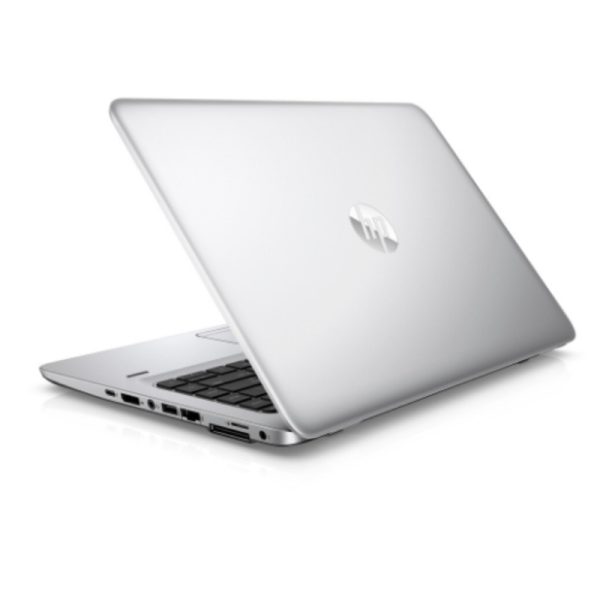 Hp Elitebook 840 G3 Intel Core i5 6th Gen, 2.4Ghz 8GB RAM 500GB HDD 14" (Refurbished)
 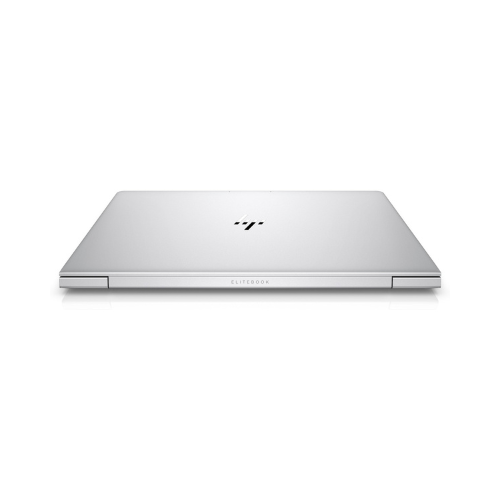 HP EliteBook 840 G5 Intel® Core™ i7 8th generation 8GB RAM 512GB SSD 14" Silver
 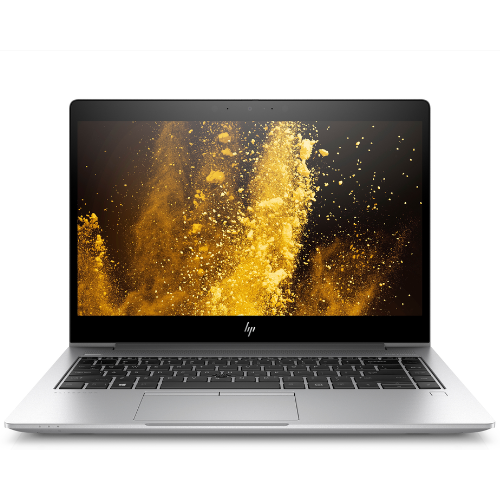 HP EliteBook 840 G6 Intel® Core™ i5 i5-8265U (8th Generation) 16GB DDR4-SDRAM 256GB SSD 14" Silver.
  HP LaserJet MFP M236sdn Mono Multifunction Duplex Printer
Reviews
There are no reviews yet.