


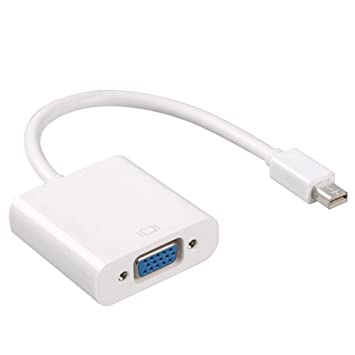


Description
Overview
Every Mac with a Mini DisplayPort allows you to connect an external display or projector using an adapter. You can use an external display as your main workspace or to extend your desktop, or you can work in mirrored mode with a projector so you can view what your audience sees.
Use the Mini DisplayPort to VGA Adapter to connect your Mac to a standard analog monitor, projector, or LCD that uses a VGA connector or cable. Review the documentation or check with the manufacturer of your monitor to make sure you’re choosing the right adapter.
Tech Specs
Connections
Mini DisplayPort
VGA
System Requirements
Compatible with Mac computers with Mini DisplayPort and Thunderbolt ports


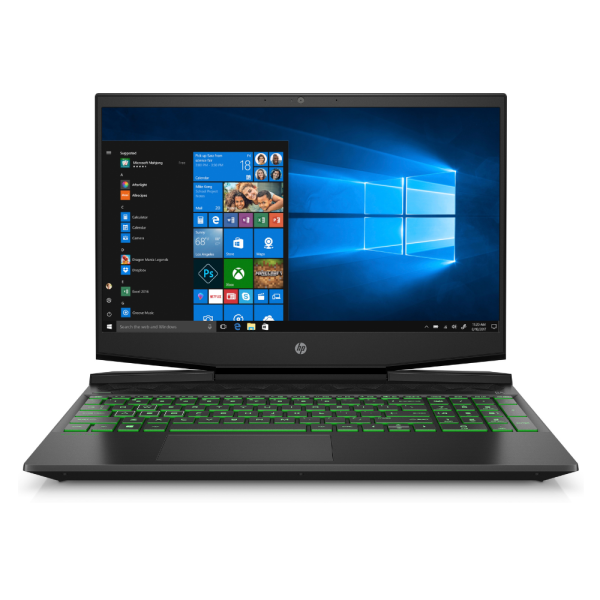 HP Pavilion Gaming 15 i5-9300H Notebook 39.6 cm (15.6") Full HD Intel® Core™ i5 8GB DDR4-SDRAM 256GB SSD NVIDIA® GeForce® GTX 1650 Windows 11
Reviews
There are no reviews yet.