


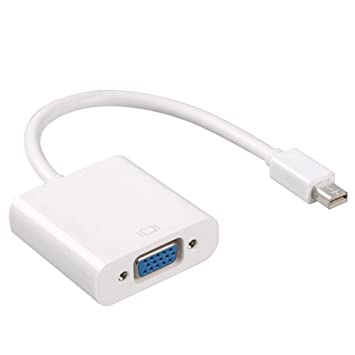


Description
Overview
Every Mac with a Mini DisplayPort allows you to connect an external display or projector using an adapter. You can use an external display as your main workspace or to extend your desktop, or you can work in mirrored mode with a projector so you can view what your audience sees.
Use the Mini DisplayPort to VGA Adapter to connect your Mac to a standard analog monitor, projector, or LCD that uses a VGA connector or cable. Review the documentation or check with the manufacturer of your monitor to make sure you’re choosing the right adapter.
Tech Specs
Connections
Mini DisplayPort
VGA
System Requirements
Compatible with Mac computers with Mini DisplayPort and Thunderbolt ports


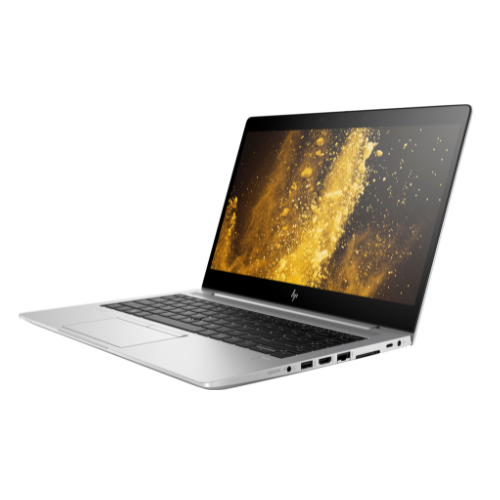 HP EliteBook 840 G6 i7-8665U Notebook 35.6 cm (14″) Intel® Core™ i7 16 GB DDR4-SDRAM 256 GB SSD Windows 10 Pro
 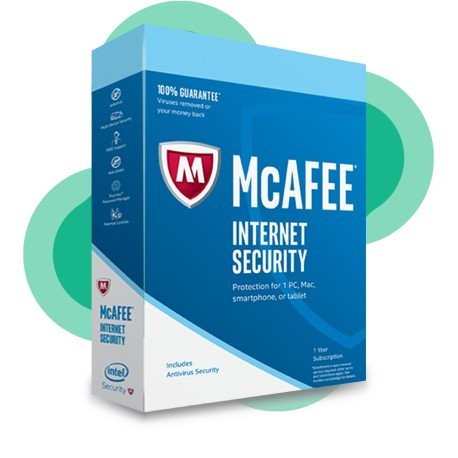 McAfee Internet Security 1 PC
  Hisense 43 Inch 4K UHD Smart LED TV 43B7100UW
Reviews
There are no reviews yet.