


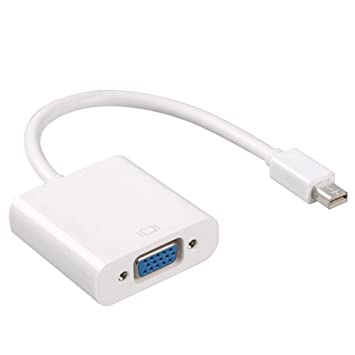


Description
Overview
Every Mac with a Mini DisplayPort allows you to connect an external display or projector using an adapter. You can use an external display as your main workspace or to extend your desktop, or you can work in mirrored mode with a projector so you can view what your audience sees.
Use the Mini DisplayPort to VGA Adapter to connect your Mac to a standard analog monitor, projector, or LCD that uses a VGA connector or cable. Review the documentation or check with the manufacturer of your monitor to make sure you’re choosing the right adapter.
Tech Specs
Connections
Mini DisplayPort
VGA
System Requirements
Compatible with Mac computers with Mini DisplayPort and Thunderbolt ports




 DELL Latitude E7240 Laptop Intel® Core™ i5-4310U 31.8 cm (12.5") 8 GB DDR3L-SDRAM 256 GB SSD Windows 10 Pro Grey :
  McAfee Internet Security 3 PC
  OMEN by HP - 15t Laptop, 9th Gen Intel Core i5 9300H, 8GB RAM, 1 TB HDD, NVIDIA GeForce GTX 1650
 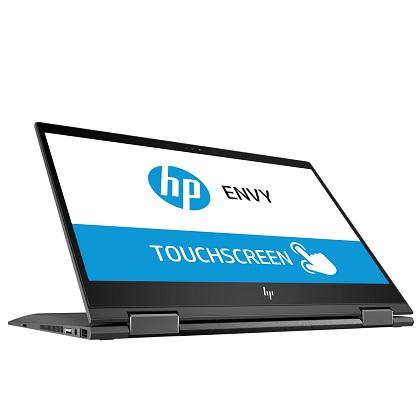 HP ENVY x360 - 13-ag0001nv, AMD Ryzen 3 2300U with Radeon Vega 8 Graphics, 2.0 GHz Turbo-boost upto 3.4 GHz, 4 GB RAM, 128 GB SSD, Windows 10, 1 Year Warranty
  Apple MacBook Air MQD32-13.3"Intel Core i5,1.8 GHz, Dual-Core 8GB RAM 256GB SSD Backlit Keyboard
 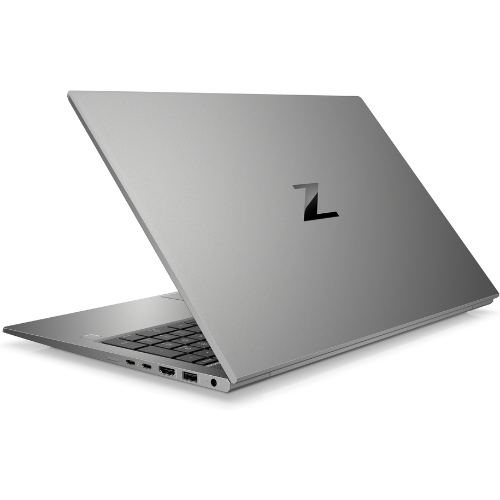 HP ZBook FireFly 15 G7 Intel® Core™ i7-10810U Mobile Workstation 39.6 cm (15.6") Full HD 16 GB DDR4-sdram 512 GB SSD 4GB NVIDIA Quadro P520 Windows 11 Pro Grey:
 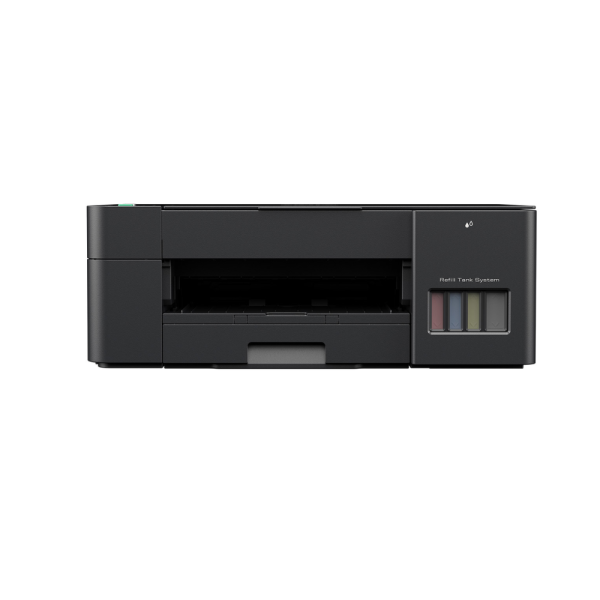 Brother DCP-T220 All in One Ink Tank Printer
  Apple iPad 6th Generation Tablet MR732B/A, 2GB RAM, 128GB WiFi + Cellular 9.7"
 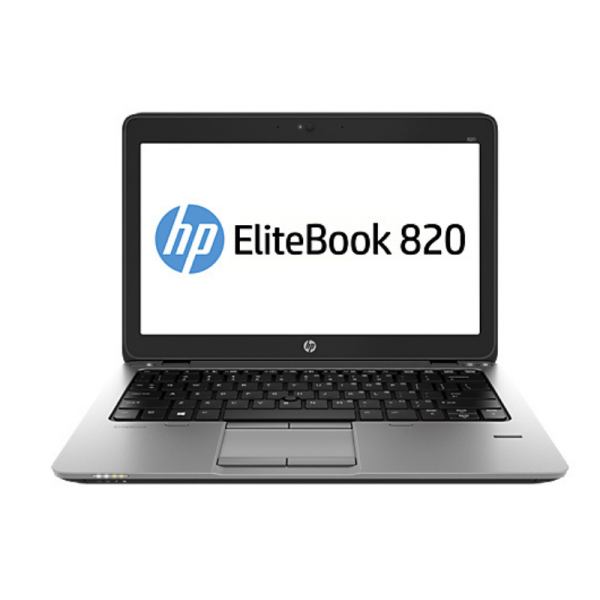 HP EliteBook 820 G1 Intel Corei5 4GB RAM 500GB HDD 12.5" Refurbished
 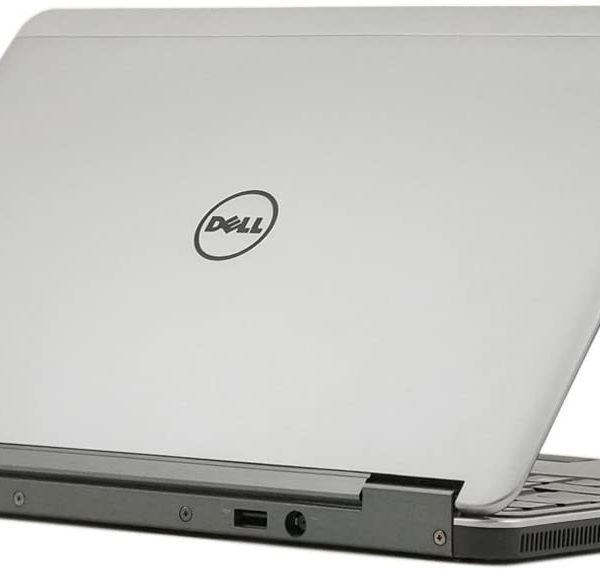 Latitude E7240 12.5" LED Ultrabook - Intel Core i7 i7-4600U
 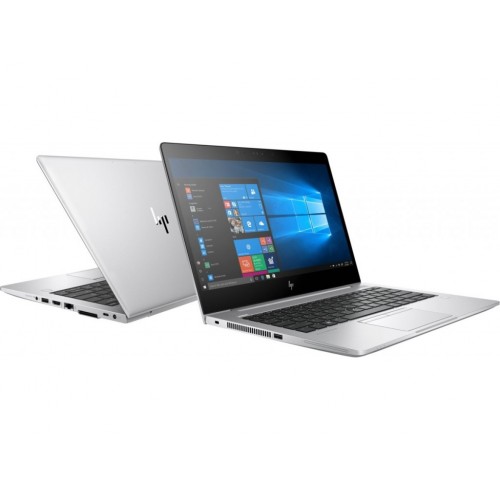 HP EliteBook 830 G5, 8th Gen Intel Core i5-8350U, 8GB RAM DDR4, 256GB SSD, 13.3″ Screen, 1 year warranty
  HP ZBook 15G2 Workstation Intel Corei7 15.6" 2GB NVIDIA Graphics Card
 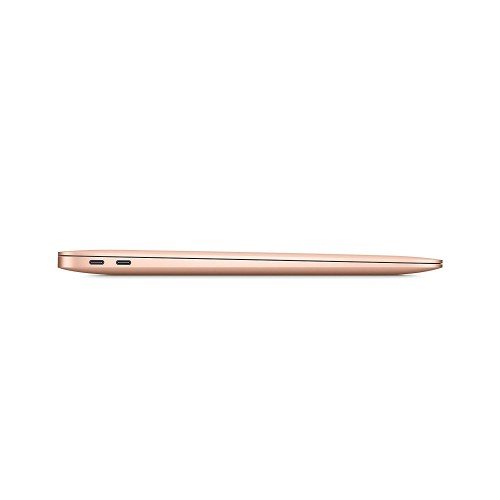 Apple MacBook Air (13-inch, 2020) 10th Gen Intel Core i5, 8GB RAM, 512GB SSD, MacOS - Gold MVH52HN/A
  HP ZBook 15 G5 Intel Corei7 Mobile Workstation 15.6" 16GB Ram 512GB SSD 4GB NVIDIA Quadro P1000 Graphics
  Logitech BCC950 Webcam and Speakerphone for Groups of 1-4
 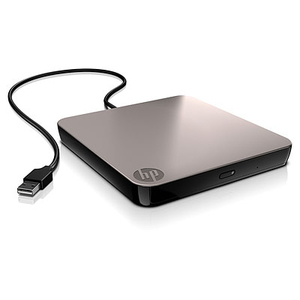 HP External USB DVDRW Drive
 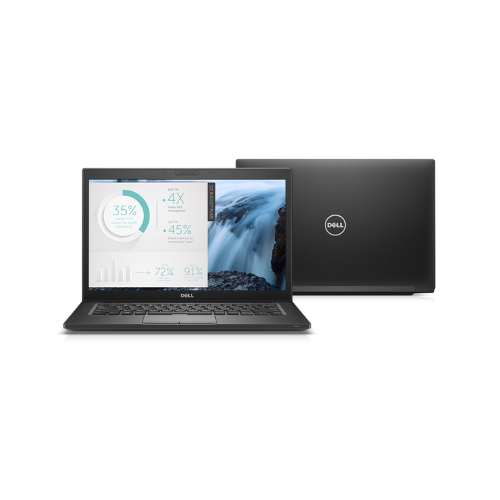 DELL Latitude 7280 Laptop 31.8 cm (12.5") TOUCHSCREEN Full HD Intel® Core™ i7-6600U 8 GB DDR4-SDRAM 256 GB SSD
 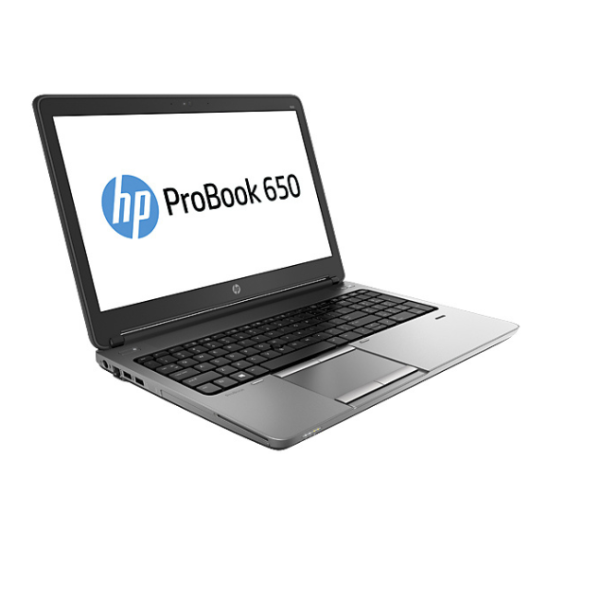 HP ProBook 650 G1 i5-4300 Intel® Core™ i5 (15.6")
  Logitech R400 LASER PRESENTATION REMOTE
  HP ENVY - 13-ah0002la, 8th Gen Intel Core i5-8265U with Intel® UHD Graphics 620, 8 GB RAM, 256 GB SSD
  HP Pavilion Convertible x360 14-ba1xx Intel® Core™ i5-8250U Hybrid (2-in-1) 14" Touchscreen Full HD 8 GB DDR4-SDRAM 256 GB SSD Windows 11 Pro Silver:
  TOUCHSCREEN HP EliteBook 840 G6 Intel® Core™ i5 i5-8265U (8th Generation) 16GB DDR4-SDRAM 256GB SSD 14″ Silver
 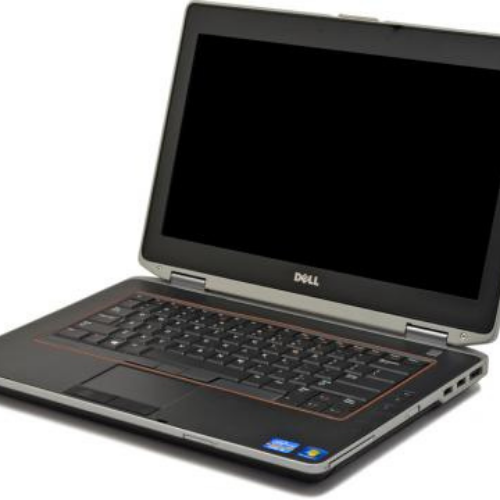 Dell Latitude E6420 Intel Corei5 14" Budget Laptop- 0727991965
 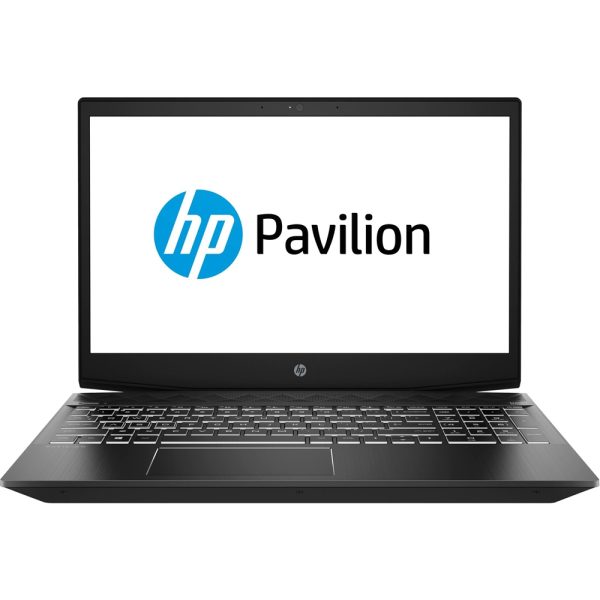 HP Pavilion Gaming Laptop 15-cx0020nr, 8th Gen Core i5-8300H, 8GB RAM, 1 TB HDD, NVIDIA GeForce GTX 1050, 1 Year Warranty
 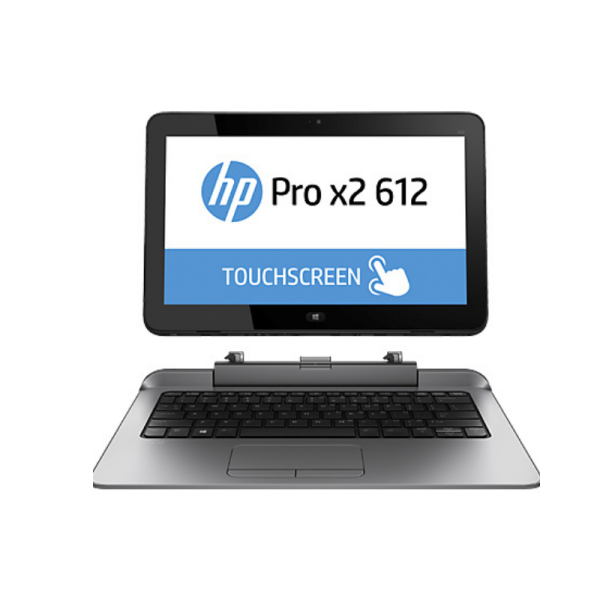 HP Pro x2 612G1 Corei5 Detachable Tablet Laptop 8GB Ram 256GB SSD /With Power Keyboard
 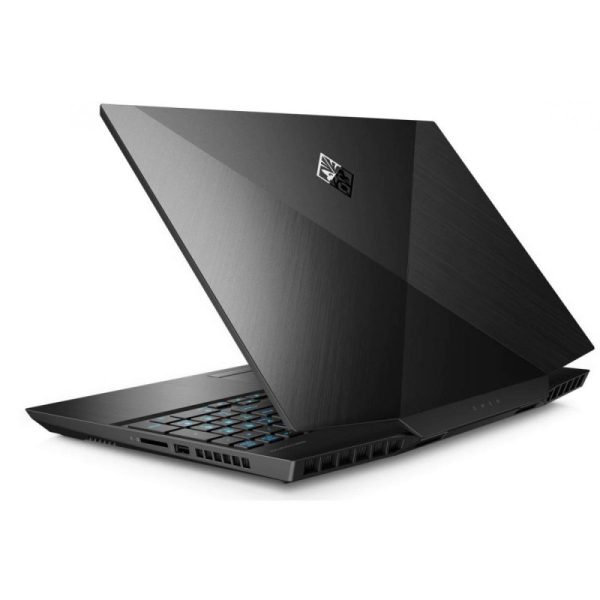 OMEN Laptop 15-ek0018TX, 10th Gen Intel Core i7-10750H, 8 GB RAM, 1 TB SSD, NVIDIA GTX 1650ti 4GB, 1 Year Warranty
  Apple MacBook Pro A1278 (Year 2012, 13.3 INCH) Intel Core i5 processor, 4 GB RAM, 500 GB HDD, Intel HD 4000 Graphics, Mac OS X
 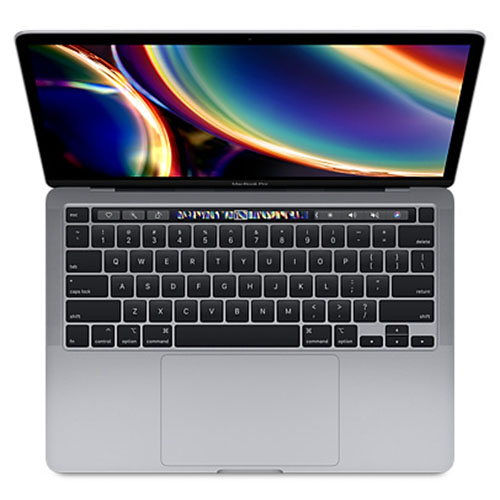 Apple Macbook Pro 13 2020 (MXK72) Laptop: 13.3" - 1.4GHz Core i5 - 8GB RAM - 512GB Internal Storage - Silver
  Logitech M330 SILENT PLUS
 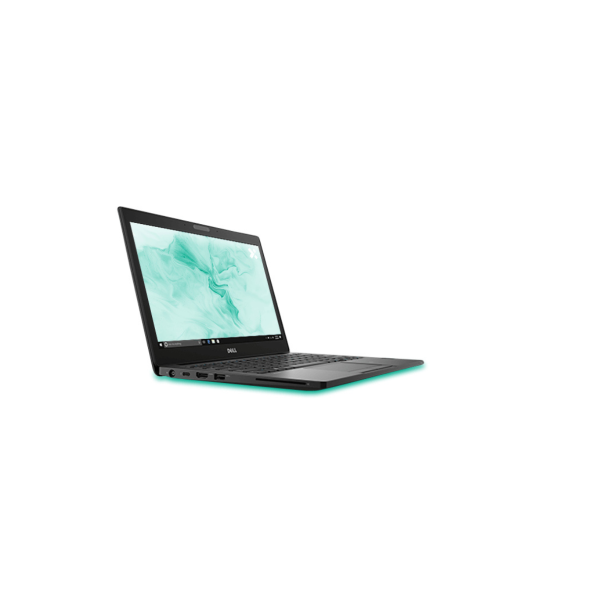 Dell Latitude 7290 (Refurbished) i7-8600U Notebook 31.8 cm (12.5"
 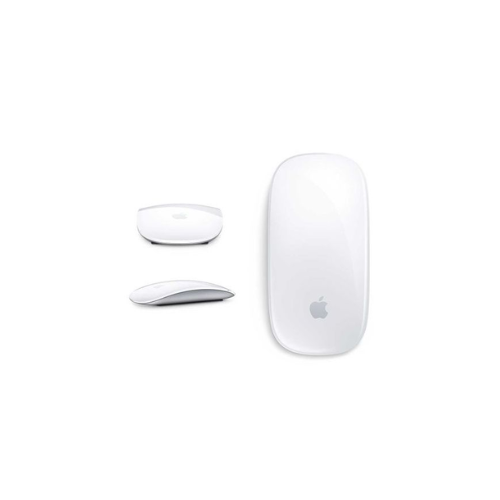 Apple Magic Mouse 2 (Wireless, Bluetooth)-Refurbished
 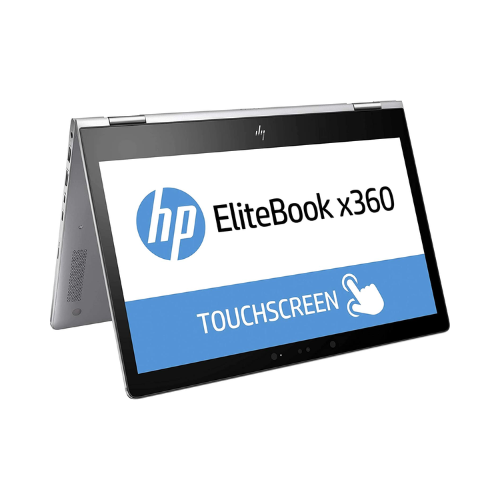 HP EliteBook 1030G2 X360 Corei5 7th Generation 8GB Ram 256GB SSD Touchscreen Silver
  Epson LX-350 Impact dot matrix Printer
  Apple MacBook AIR 2017 (A1466) 13-Inch Core i5 8GB Ram 256GB SSD.(Refurbished)
 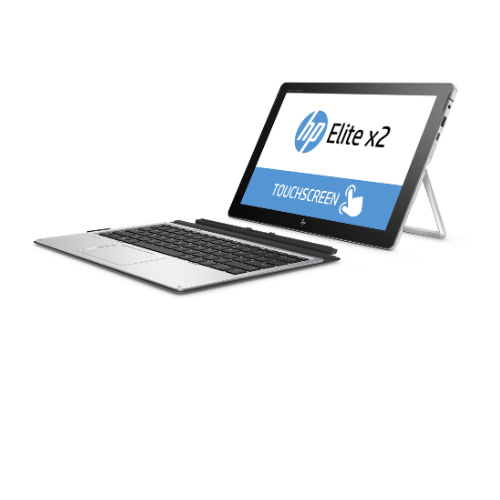 HP Elite x2 1012 G2 Detachable Tablet PC, 7th Gen Intel core i5, 8GB RAM, 256GB SSD, 12.3" Gorilla Glass Touch Screen WQXGA+ (2736x1824)
Reviews
There are no reviews yet.