


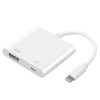
Description
Overview
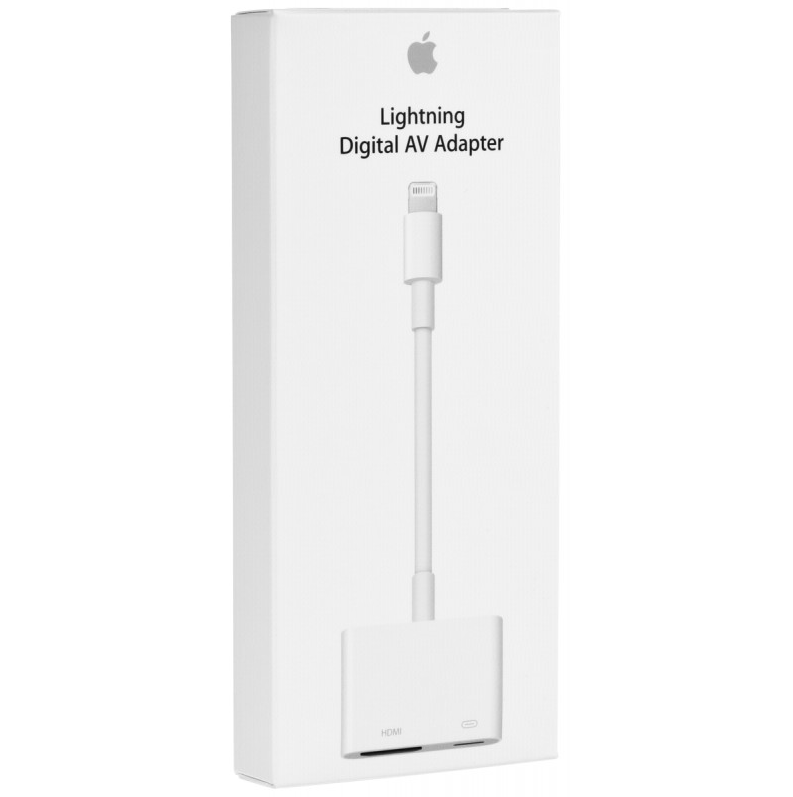
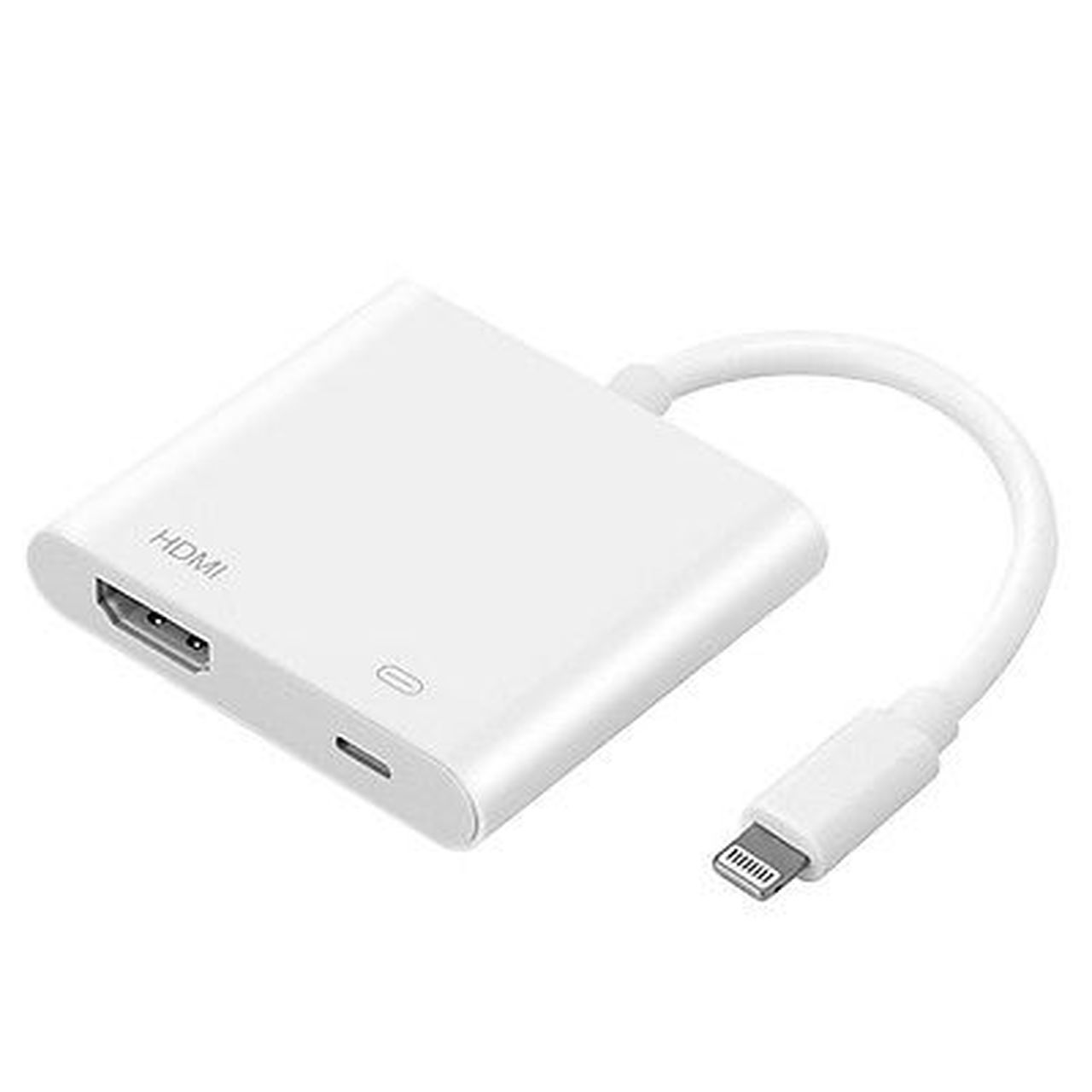
Use the Lightning Digital AV Adapter with your iPhone, iPad, or iPod with Lightning connector. The Lightning Digital AV Adapter supports mirroring of what is displayed on your device screen — including apps, presentations, websites, slideshows, and more — to your HDMI-equipped TV, display, projector, or other compatible display in up to 1080p HD.
It also outputs video content — movies, TV shows, captured video — to your big screen in up to 1080p HD. Simply attach the Lightning Digital AV Adapter to the Lightning connector on your device and then to your TV or projector via an HDMI cable (sold separately).
What’s in the Box
Lightning Digital AV Adapter
Tech Specs
HDMI
Lightning
System Requirements
Requires an HDMI cable (sold separately) for connection to your TV or projector. Supports both video and audio output.



 HP ProBook 440 G5, 7th Gen Intel Core i3-7100U, 2.4 GHz, 4GB RAM, 500GB HDD, Windows 10
 Lenovo V15 N4020 Notebook 39.6 cm (15.6") Full HD Intel® Celeron®
 HP ZBook 15u G6 Intel® Core™ i7-8665U Mobile Workstation 15.6" Full HD 16 GB DDR4-SDRAM 512 GB SSD 4GB AMD Radeon Pro WX 3200 Graphics Card Windows 11 Pro Grey:
 Sony MDR-XB550AP EXTRA BASS™ Headphones
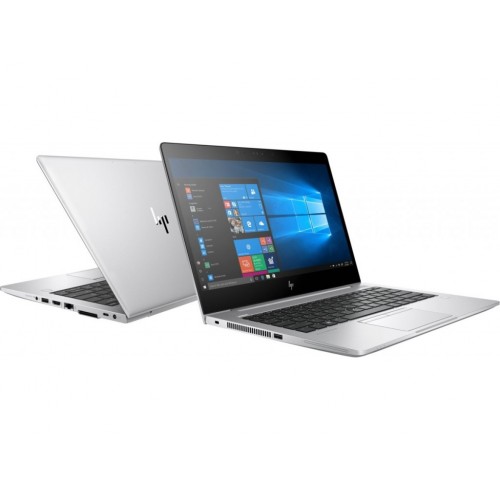 HP EliteBook 830 G5, 8th Gen Intel Core i5-8350U, 8GB RAM DDR4, 256GB SSD, 13.3″ Screen, 1 year warranty
Reviews
There are no reviews yet.