


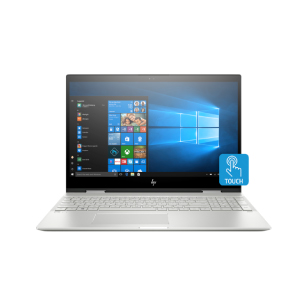
Description
Design and construction
The HP Envy 15 x360 leaves the impression of a premium notebook and although affordable it really is well built and good looking. The chassis is made out of aluminum with a matte finish which gives the notebook a premium look and doesn’t attract fingerprints.
The lid is sturdy – it experiences as little as no flex even when you push it hard. There are a reflective HP logo and a single parallel strip which we assume is used to get better Wi-Fi signal strength (the antennas are inside). The bottom lid is even sturdier. It’s home to one large vent that goes from one end to the other. Unlike the smaller 13-inch models, the Envy 15 has another vent on the left side. The screws holding the bottom lid (except one) are hidden under two rubber stripes which lift the device just a few millimeters and hold it in place on the table.


The hinges are very good – you can lift the lid of the notebook using only one hand (there is a little notch to help you grab it). The lid can go all the way back as the name suggest. However, when you tap on the screen it wobbles a lot. The screen has thin bezels on the sides and average-sized bezels on the top and bottom but the extremely thin aluminum frame gives the impression of an almost bezel-less design.
 The chiclet keyboard is well spaced with sufficient key travel. There is a numeric pad but no additional macro keys. The layout is comfortable but you might need some time to get used to it – it’s a little narrower than full-size. There is a single-level white backlight which is quite sufficient for late night work. The keyboard flexes a bit when pressured, however, normal typing won’t causе deformations. The screen wobbles a bit when you start typing fast.


The touchpad is accurate but we think it could have been wider. Above the keyboard is a large speaker grill but don’t get fooled – the two Bang & Olufsen speakers are way smaller and located on the insides of the hinges.
The HP Envy 15 x360 is great for travelers. It’s thin and you can use as a tablet to save space. However, it’s a bit heavy for a convertible – the weight varies by configuration but it starts at 2.04 kg (4.5 lbs).
| Width | Length | Height | Weight | |
|---|---|---|---|---|
| HP Envy 15 x360 | 359 mm (14.13″) | 246 mm (9.67″) | 18.9 mm (0.74″) (+18%) | 2.04 kg (4.5 lbs) (+4%) |
| Dell XPS 15 9575 2-in-1 | 354 mm (13.94″) | 235 mm (9.25″) | 16 mm (0.63″) | 1.97 kg (4.3 lbs) |
Ports
The ports on the HP Envy 15 x360 are evenly placed on both sides. The left-hand side is populated by the DC charger port, a USB 3.1 port, the power button, vent, 3.5 mm headphone jack, and the SD card reader.

Moving to the right-hand side you can find an HDMI, another USB 3.1 (with HP Sleep and Charge technology which lets you charge other devices when the notebook is turned off) port, a USB Type-C port with Sleep and Charge capabilities, the fingerprint reader (optional for some configurations), a volume rocker useful when in tablet mode, and an LED indicating drive usage.

Display quality
The measured maximum brightness is 237 nits (cd/m2) in the middle of the screen and 231 nits average across the whole surface of the screen with a maximum deviation of just 3%. The Correlated Color Temperature on a white screen is 6040 K – a bit warmer than the standard for sRGB 6500K which is very good. The average color temperature through the grey scale before profiling is 5920K. In the illustration below you can see how the display performs from uniformity perspective. In other words the leakage of light from the light source.
The illustration below shows how matters are for operational brightness levels (approximately 140 nits) – in this particular case at 80% Brightness (White level = 139 cd/m2, Black level = 0.1 cd/m2).
Values of dE2000 over 4.0 should not occur, and this parameter is one of the first you should check if you intend to use the laptop for color sensitive work (a maximum tolerance of 2.0 ). The contrast ratio is excellent – 1400:1 (1260:1 after profiling).

Color reproduction
To make sure we are on the same page, we would like to give you a little introduction of the sRGB color gamut and the Adobe RGB. To start, there’s the CIE 1976 Uniform Chromaticity Diagram that represents the visible specter of colors by the human eye, giving you a better perception of the color gamut coverage and the color accuracy.
Inside the black triangle, you will see the standard color gamut (sRGB) that is being used by millions of people in HDTV and on the web. As for the Adobe RGB, this is used in professional cameras, monitors etc for printing. Basically, colors inside the black triangle are used by everyone and this is the essential part of the color quality and color accuracy of a mainstream notebook.
Still, we’ve included other color spaces like the famous DCI-P3 standard used by movie studios, as well as the digital UHD Rec.2020 standard. Rec.2020, however, is still a thing of the future and it’s difficult for today’s displays to cover that well. We’ve also included the so-called Michael Pointer gamut, or Pointer’s gamut, which represents the colors that naturally occur around us every day.
The yellow dotted line shows HP Envy 15 x360’s color gamut coverage.
Its display covers 53% of the sRGB/ITU-R BT.709 (web/HDTV standard) in CIE1976.

Key Features
Processor : Core i7 8th Generation
System Memory : 16 GB
StorageCapacity : 256GB SSD
Resolution : 1920 x 1080 pixels
Screen Size : 15.6 inches(39.62 cm)
Laptop Type : 2-in-1
Operating System : Windows 10
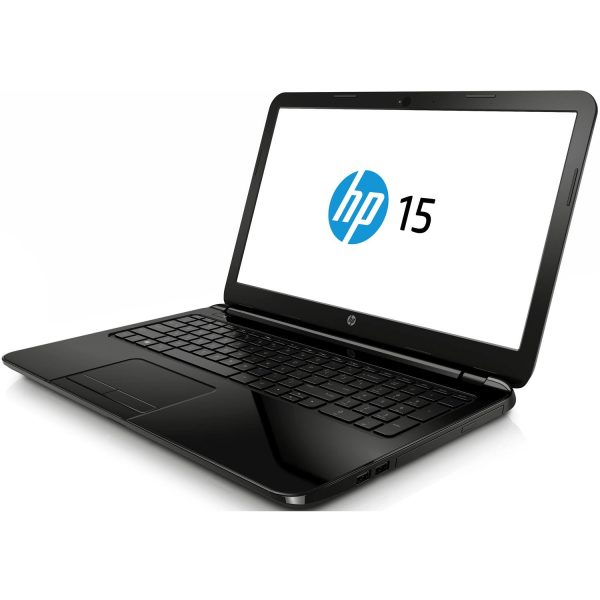


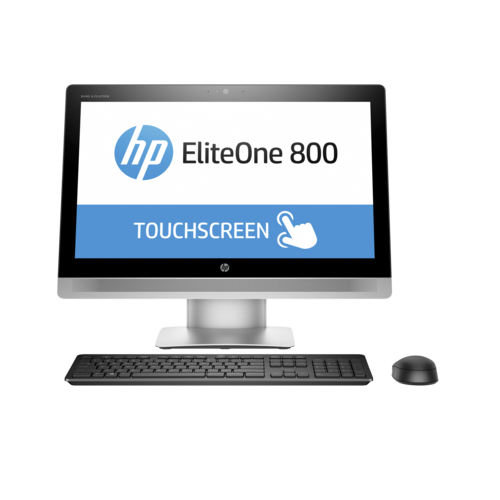 HP Eliteone 800 G2 All-In-One PC, Intel Core i5-6500 3.2 GHz, RAM 8 GB, HDD 1 TB, 1920 x 1080 (Full HD) 23.8-inch touchscreen, 1 Year Warranty
 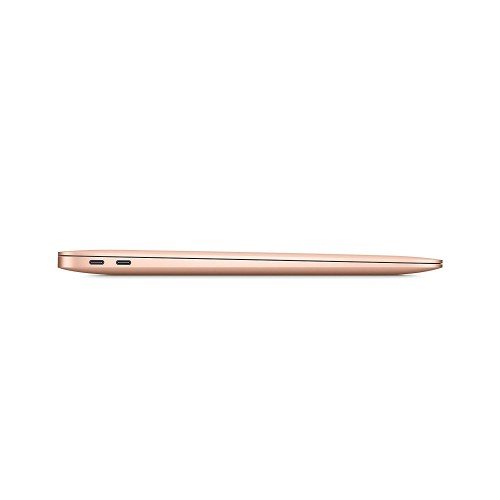 Apple MacBook Air (13-inch, 2020) 10th Gen Intel Core i5, 8GB RAM, 512GB SSD, MacOS - Gold MVH52HN/A
 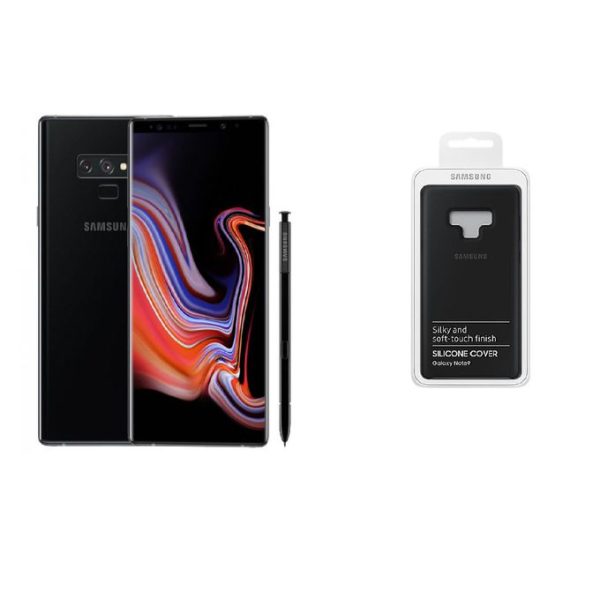 Samsung Galaxy Note 9 - 6.4"-128GB+6GB RAM - 12MP Camera- Single SIM- Black (free cover)